

Log in to the web client: https://web.telegram.org/a/
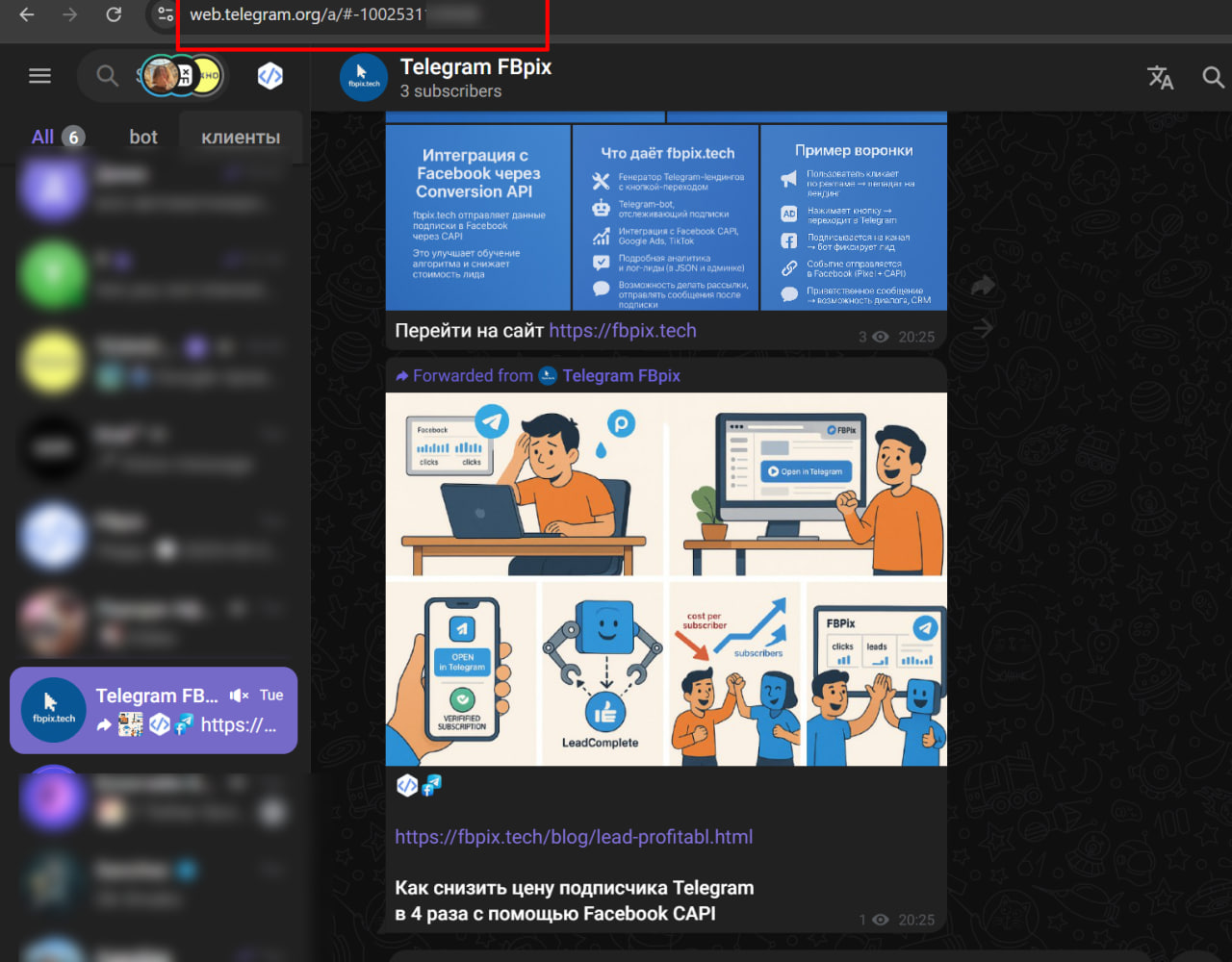
Open the desired channel; in the address bar there will be something like
https://web.telegram.org/a/#-1001234567890
Copy the entire number, including the -100 at the beginning - this is the Channel ID.
The identifier (ID) of your channel must begin with the prefix "-100". For example, if your ID is "23356", the correct format would be "-10023356".
What's next?
Creation of a Company for Closed, Open Channels and Telegram Groups
Setting up a Company for Chats, Dialogues of Telegram accounts.
CAPI PIXEL META setting.
How to Set Up Auto Message for Channels?
How to add a domain to the system?
How to get IDs of Channels and Groups via the Web version of Telegram?