


Надо подставить в конце ссылки &fbclid=TEST
Правильно будет вот так - https://домен.com/land&fbclid=TEST
Перейти и сделать тестовую подписку.
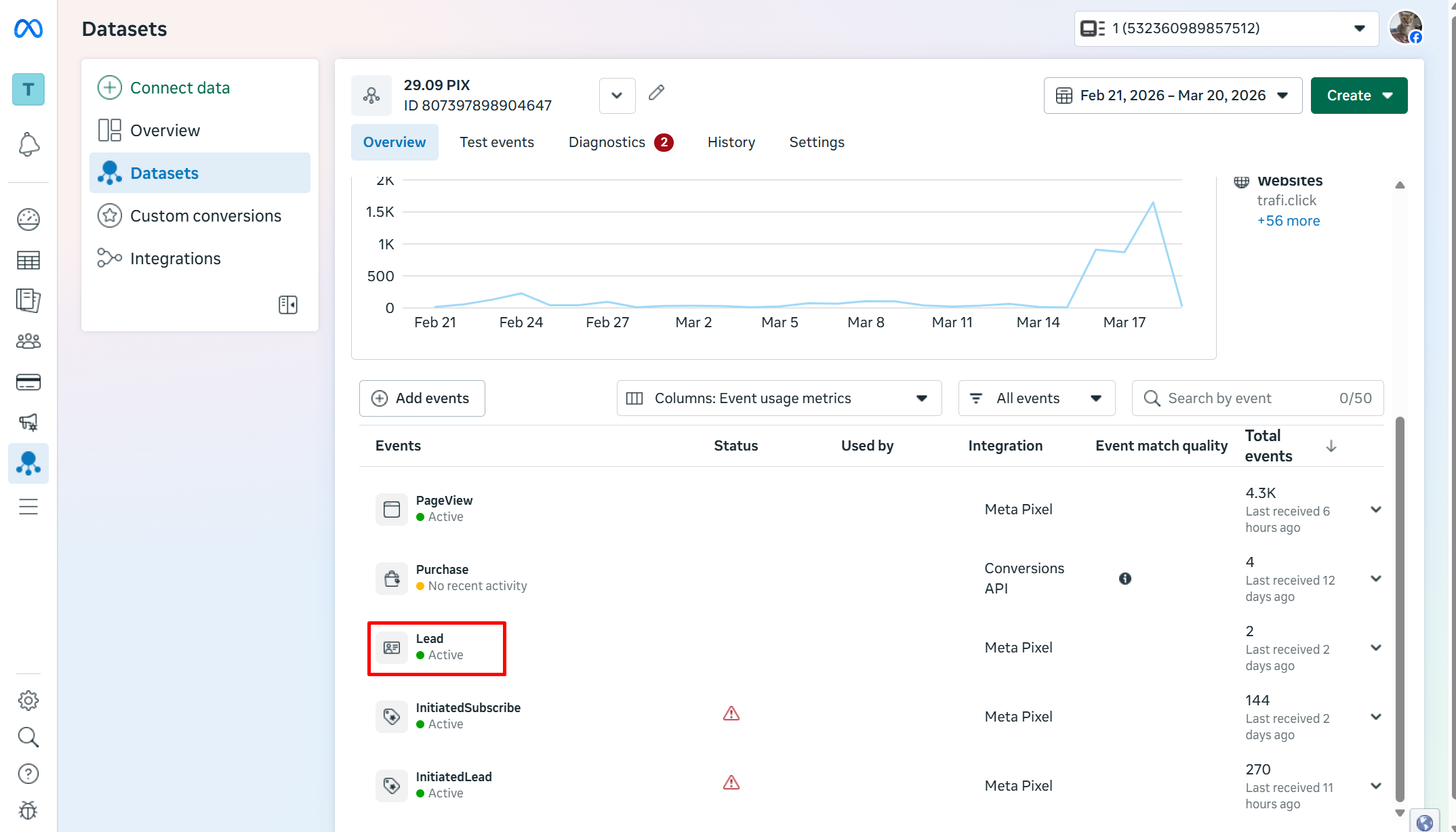
Пиксель Активен
fbclid — это специальный идентификатор, который Meta (Facebook) автоматически добавляет к ссылкам в рекламных объявлениях. Для каждого пользователя он уникален, что позволяет отслеживать его действия после перехода по рекламе. Например, в Telegram с помощью этого значения можно сопоставить подписку или другое целевое действие с конкретным пользователем рекламной площадки. Проще говоря, это уникальный код клиента. При тестировании пикселя Facebook важно подставлять этот параметр, чтобы система могла корректно фиксировать события и связывать их с источником трафика.
В примере мы подставляем рандомное значение для проверки активации Пикселя