


You definitely need a Business manager Account, select it and go to the Events Manager Overview page
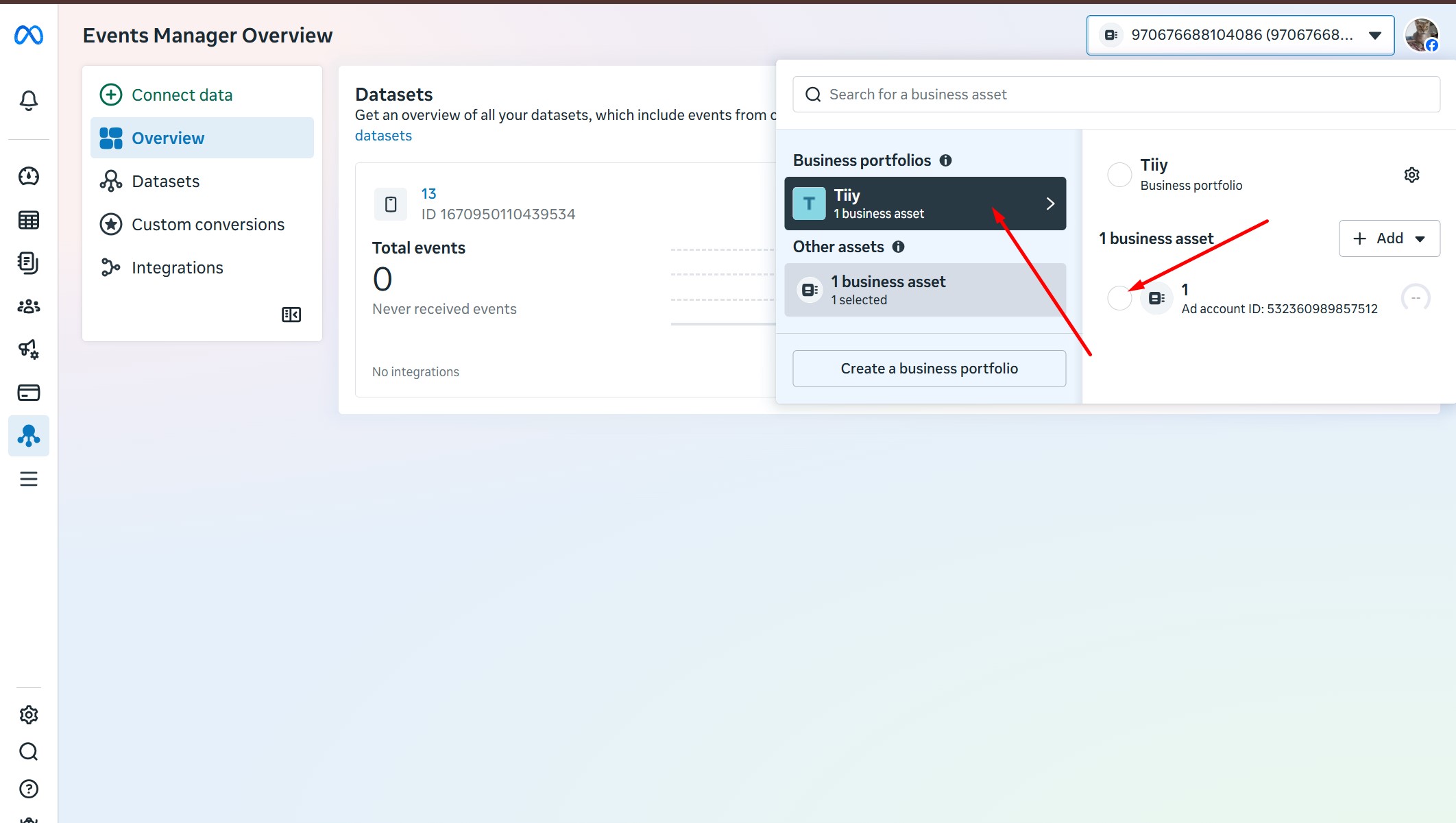
Click Connect Data
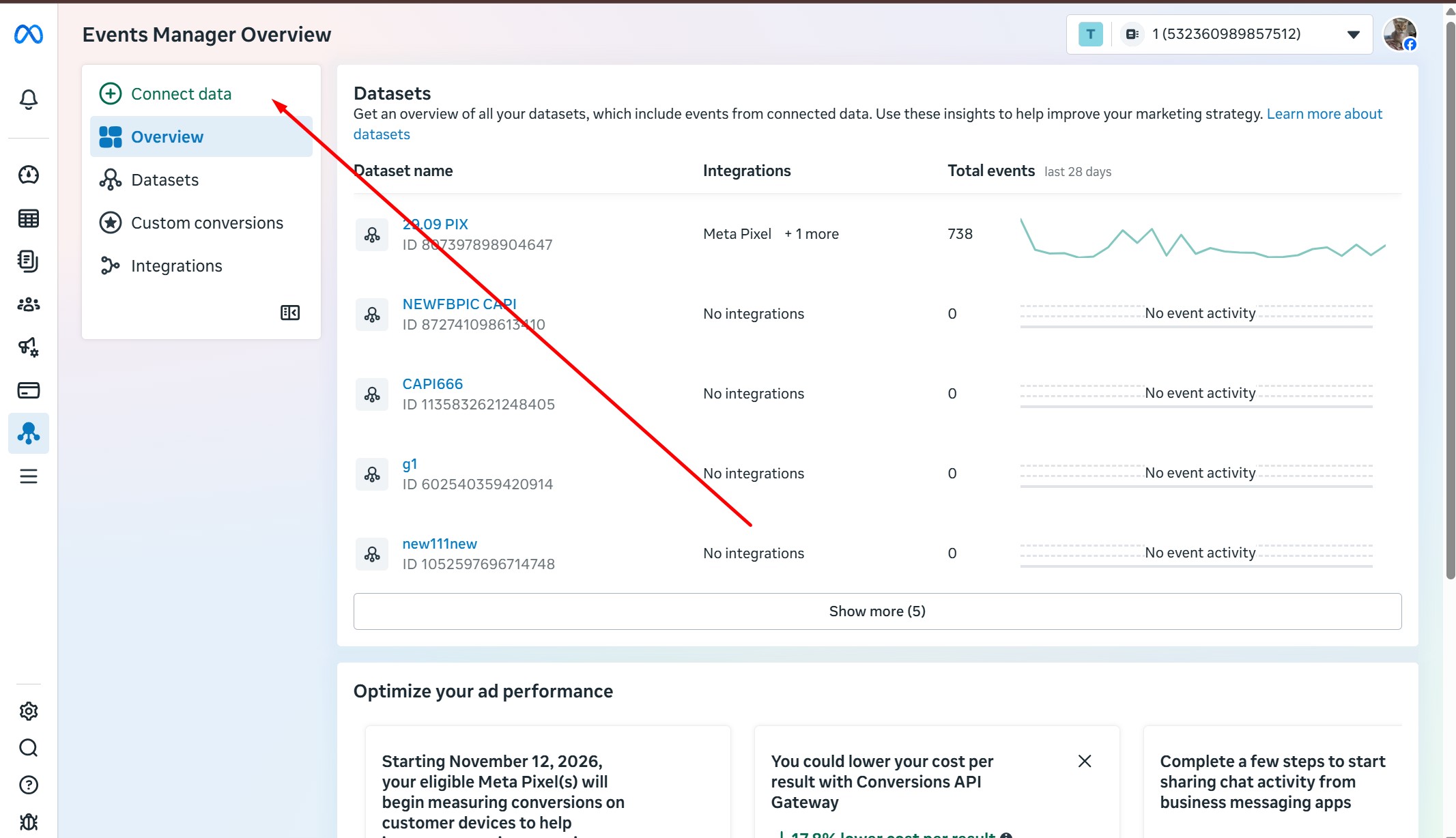
Select Web
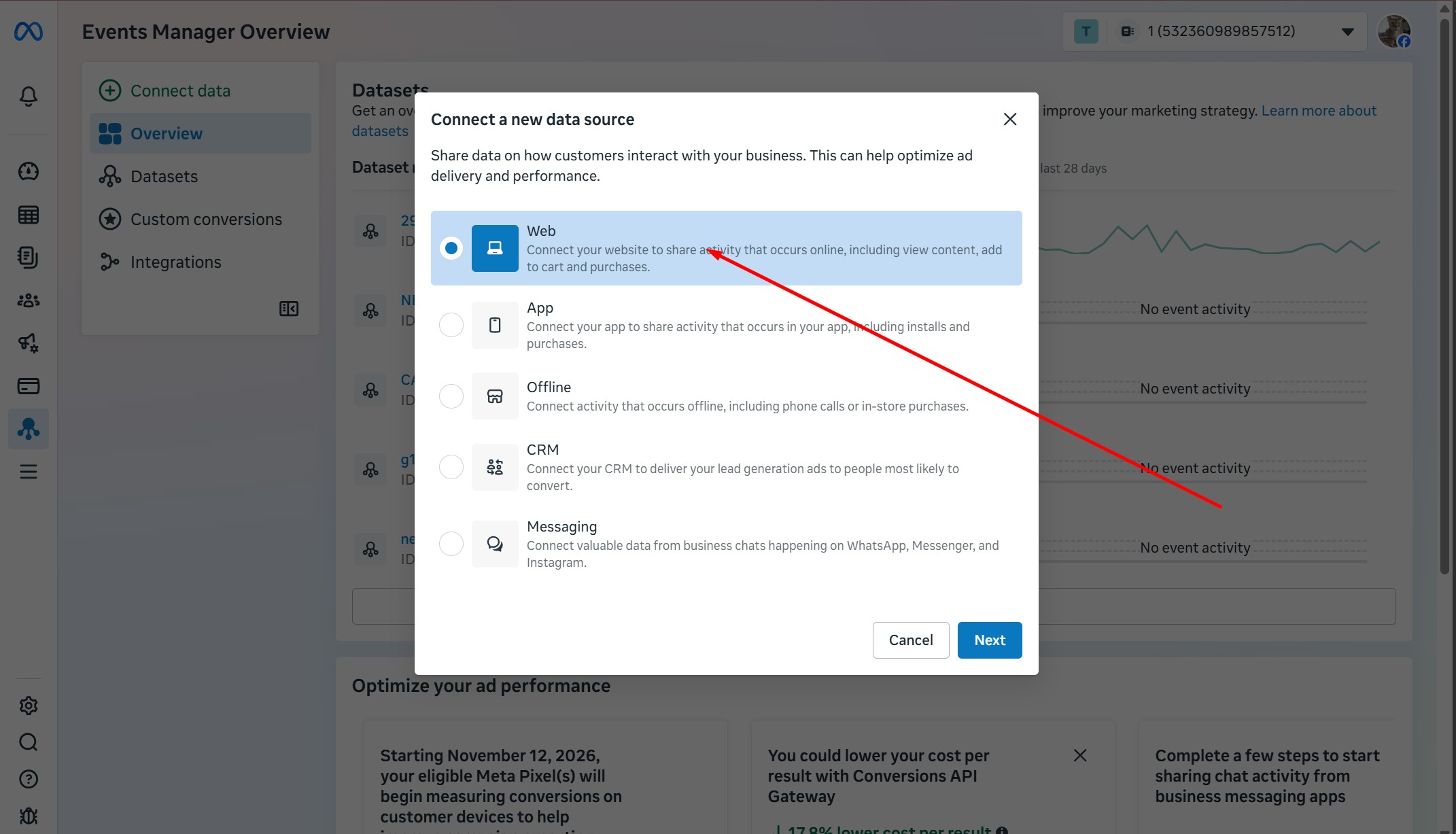
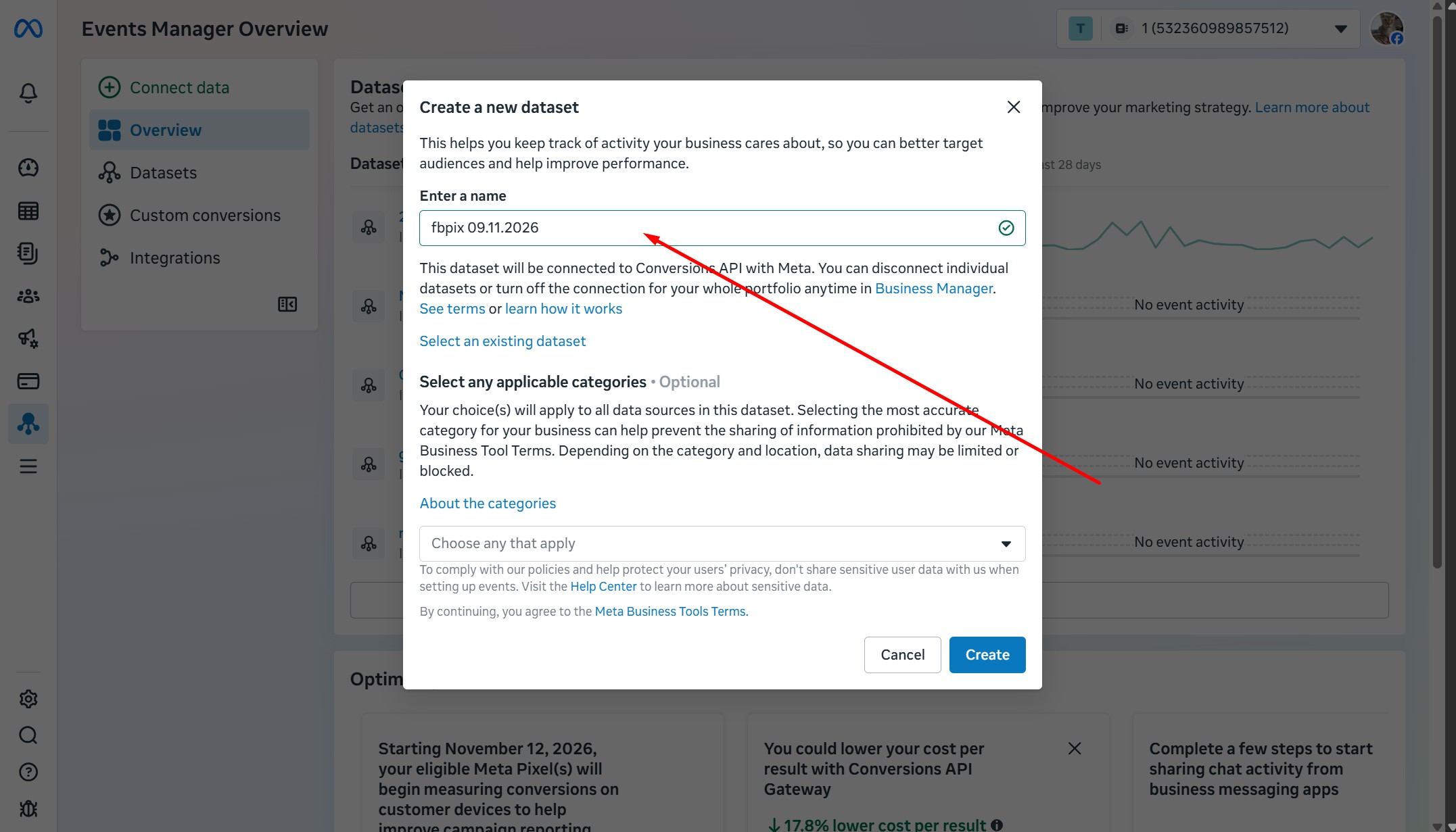
Create new dataset
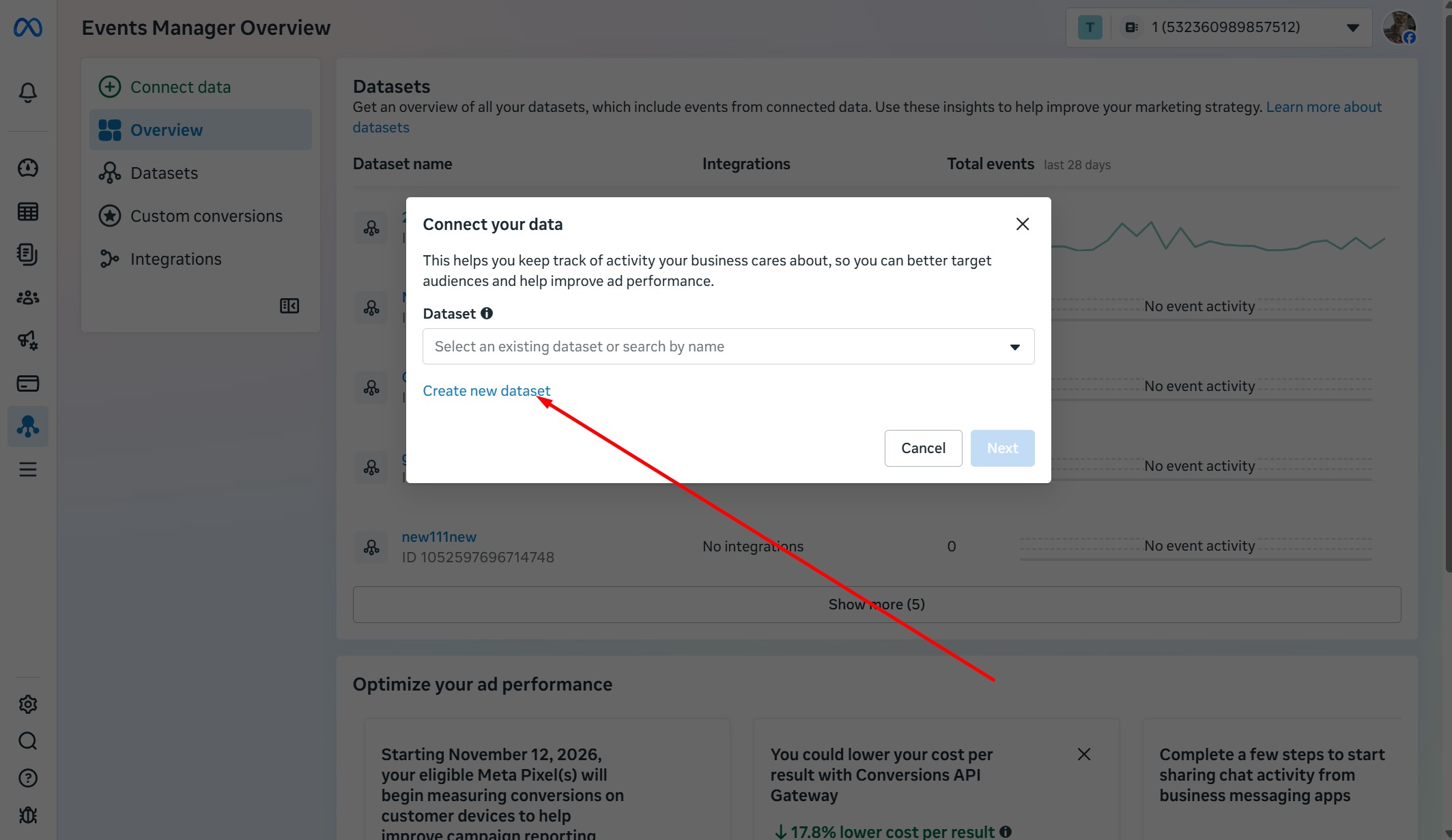
Enter Name
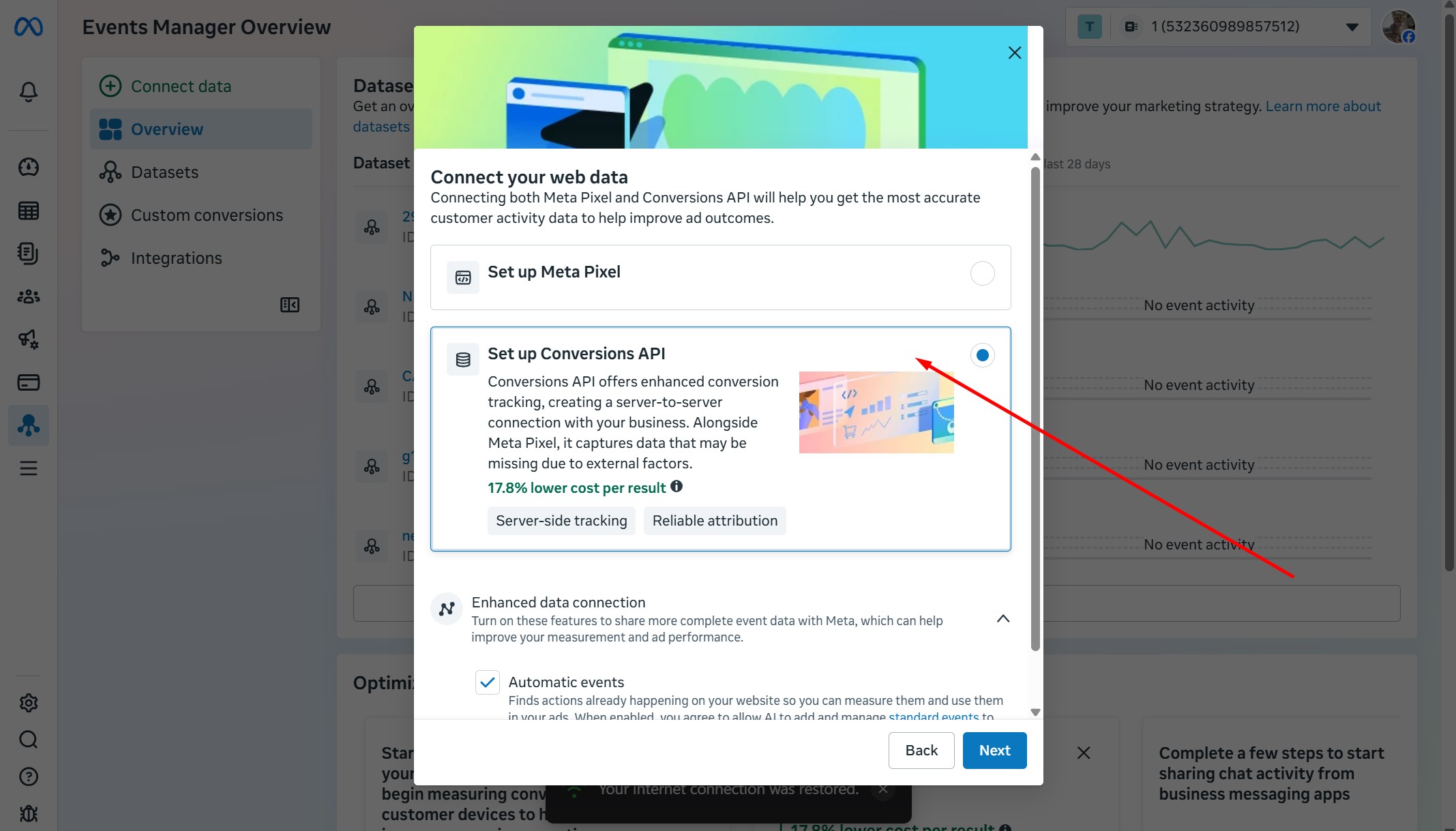
Set up Conversion API
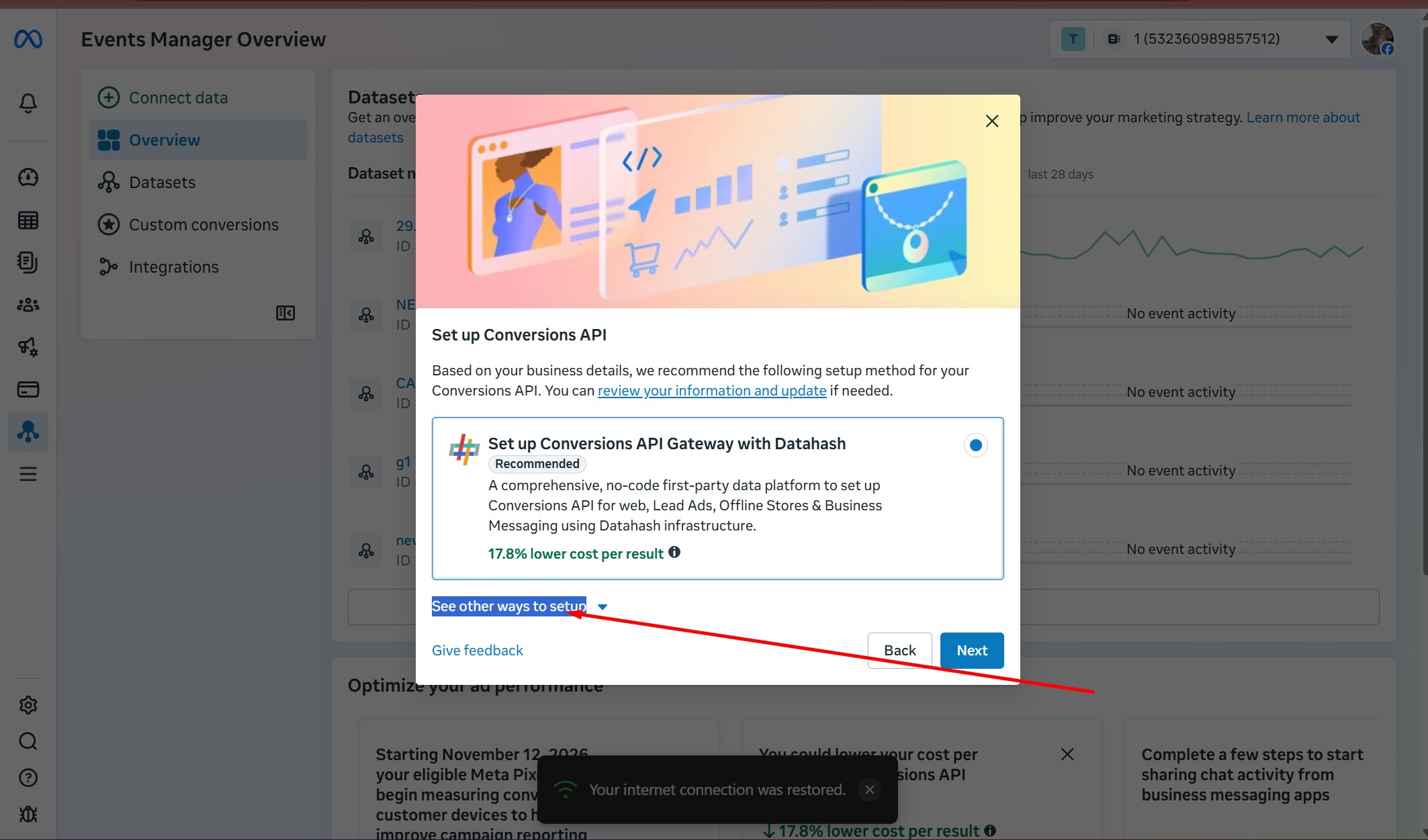
See other ways to setup
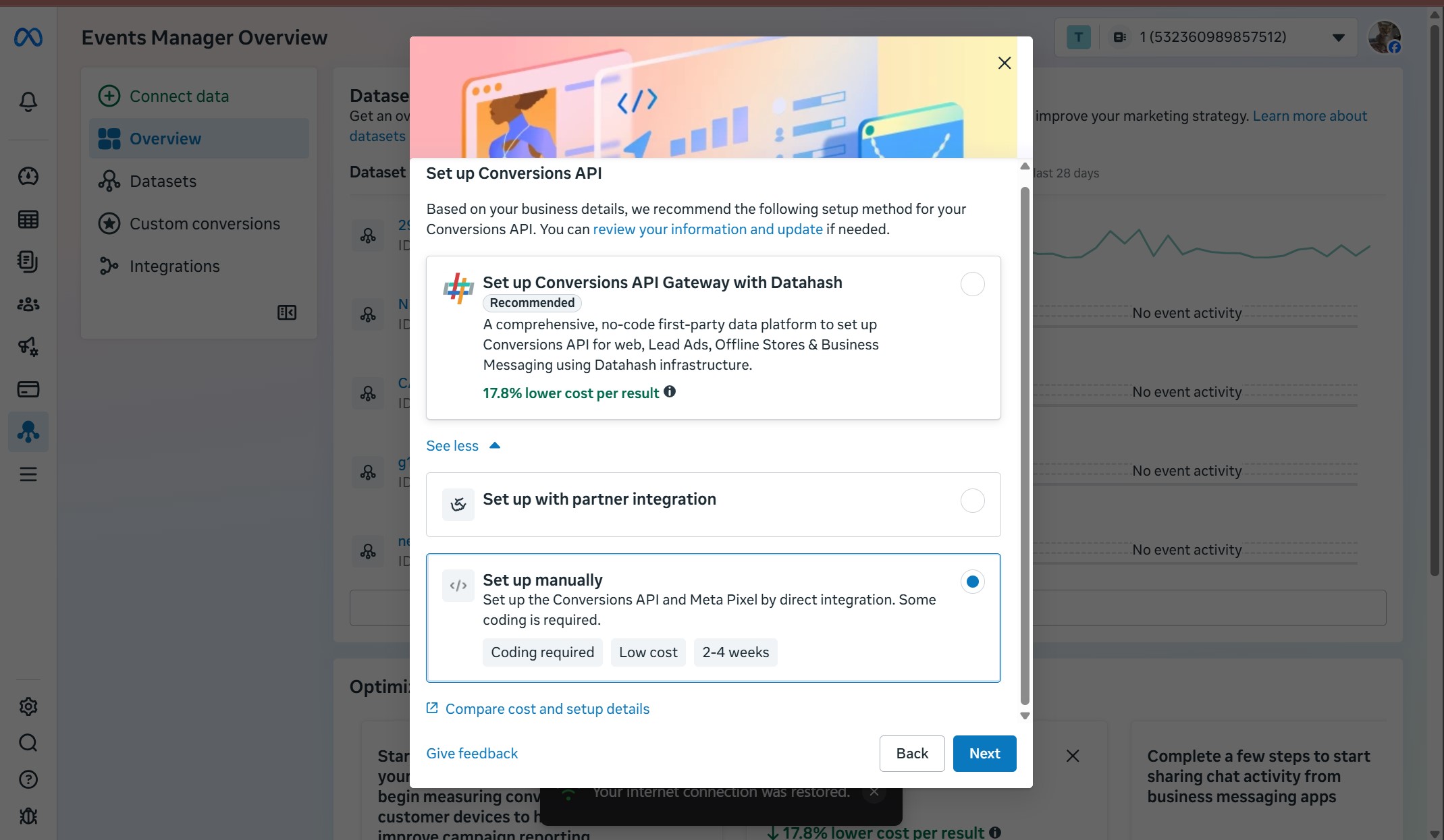
Set up manuallu
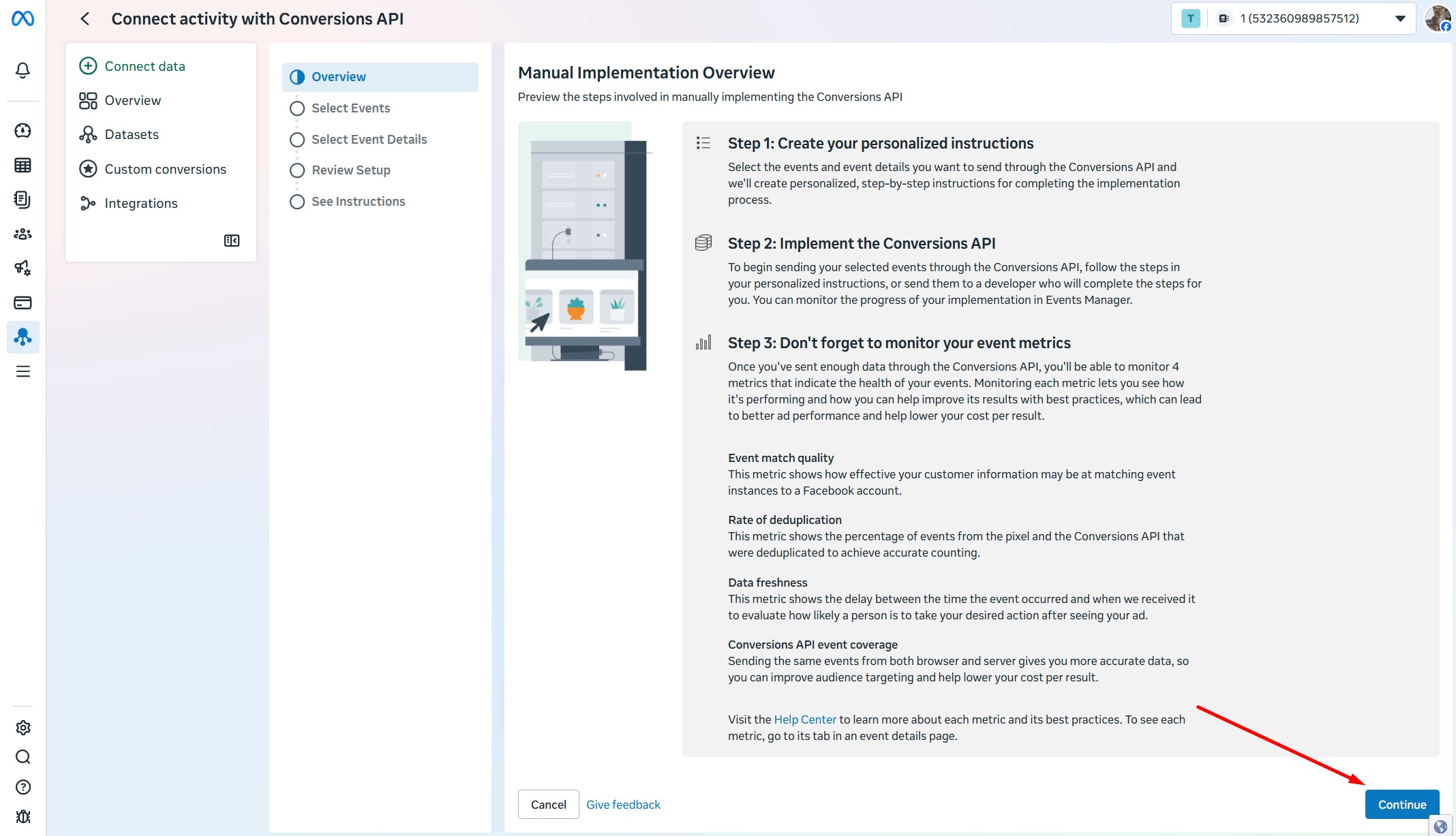
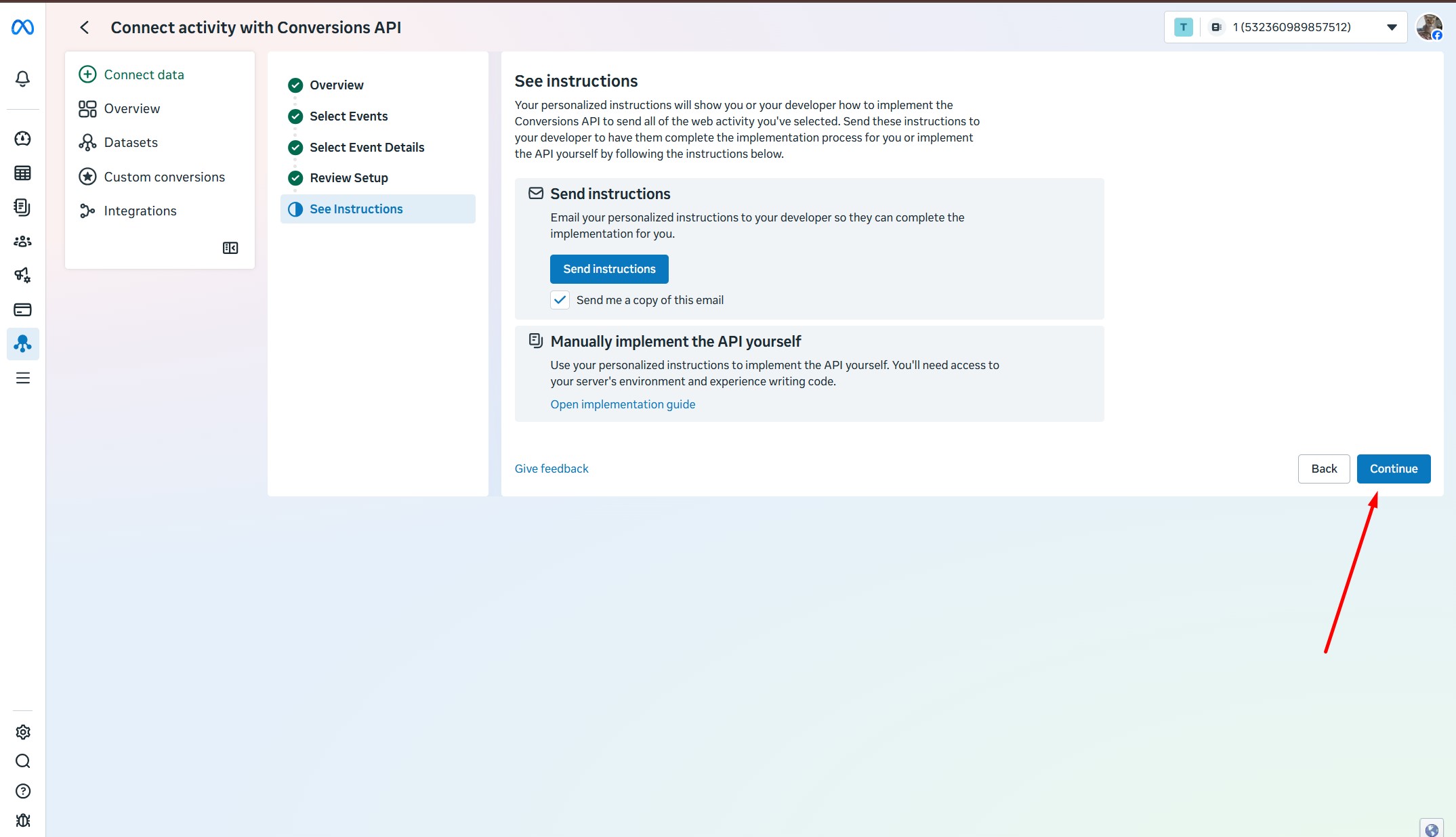
This page will open, click continue
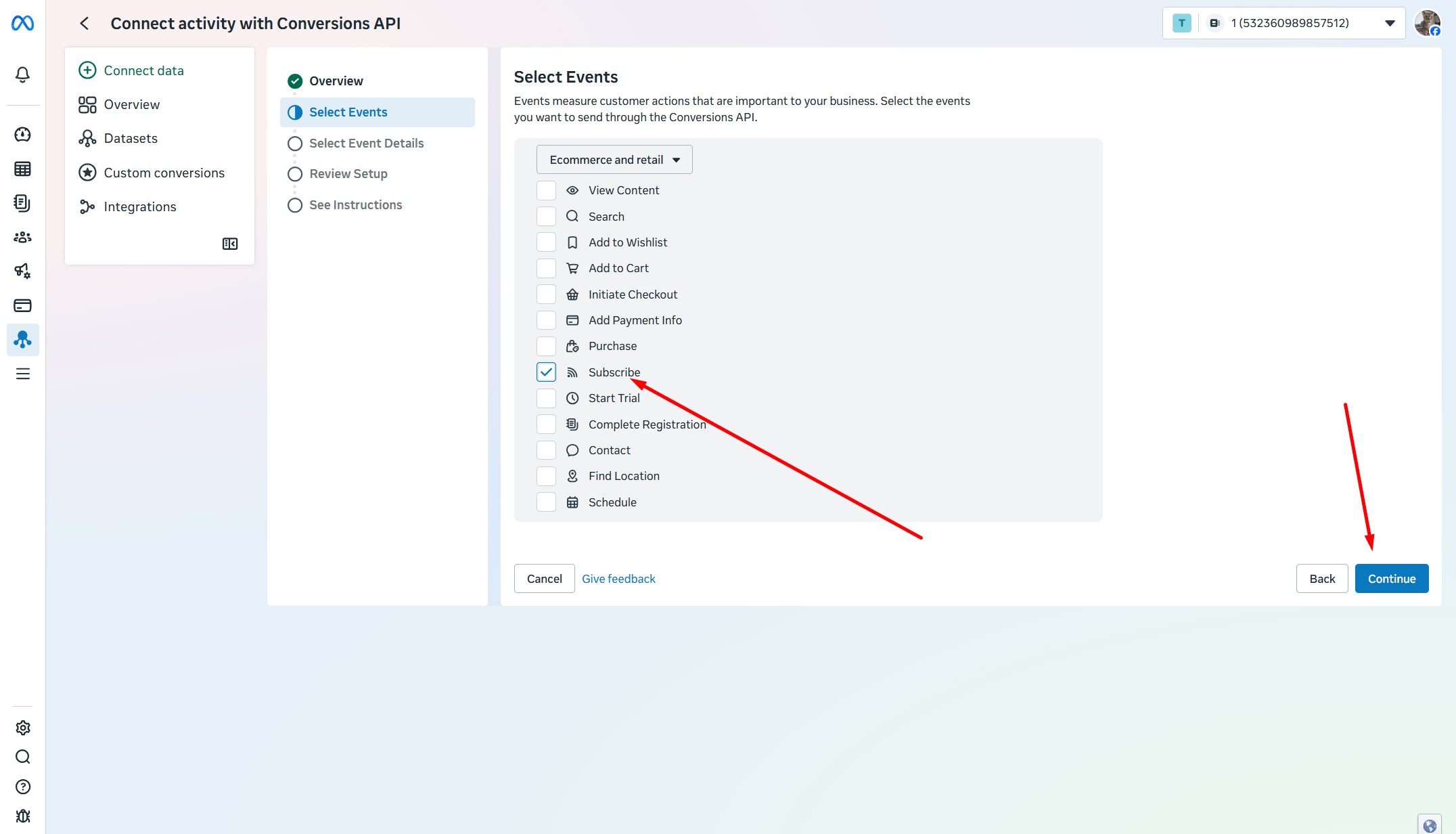
Select Subscribe
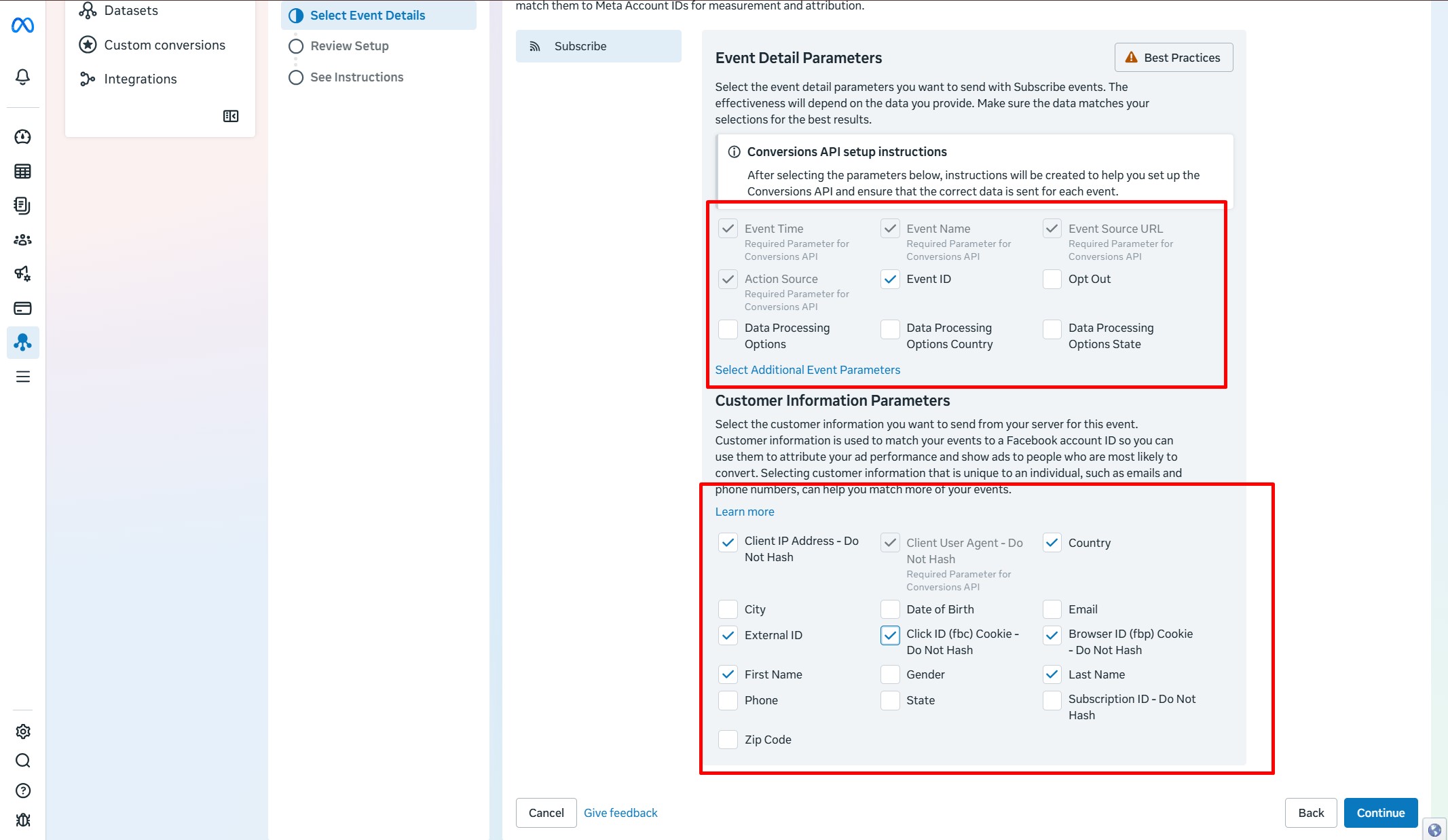
We tick all the client data as in the screenshot
Continue
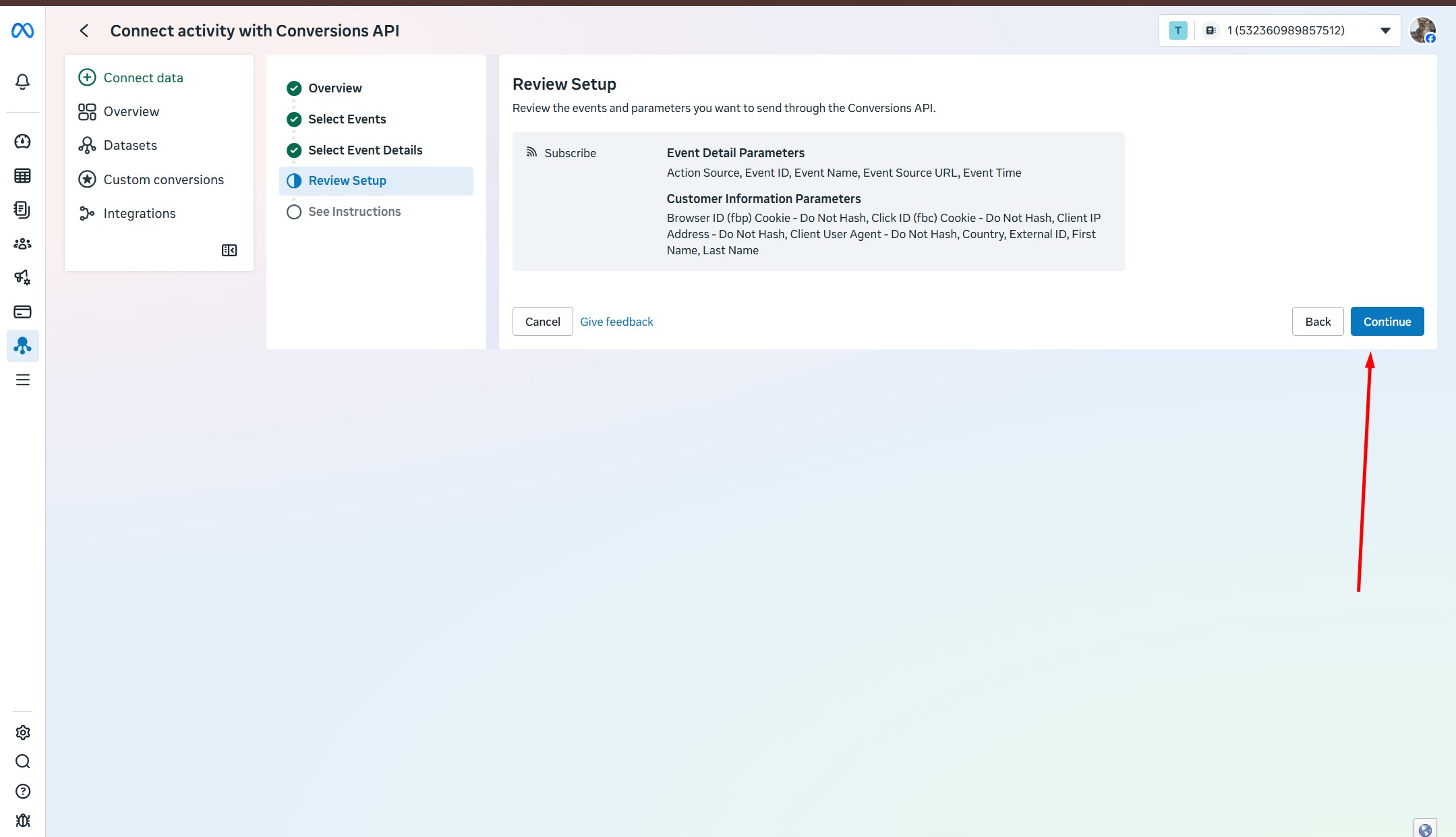
Continue
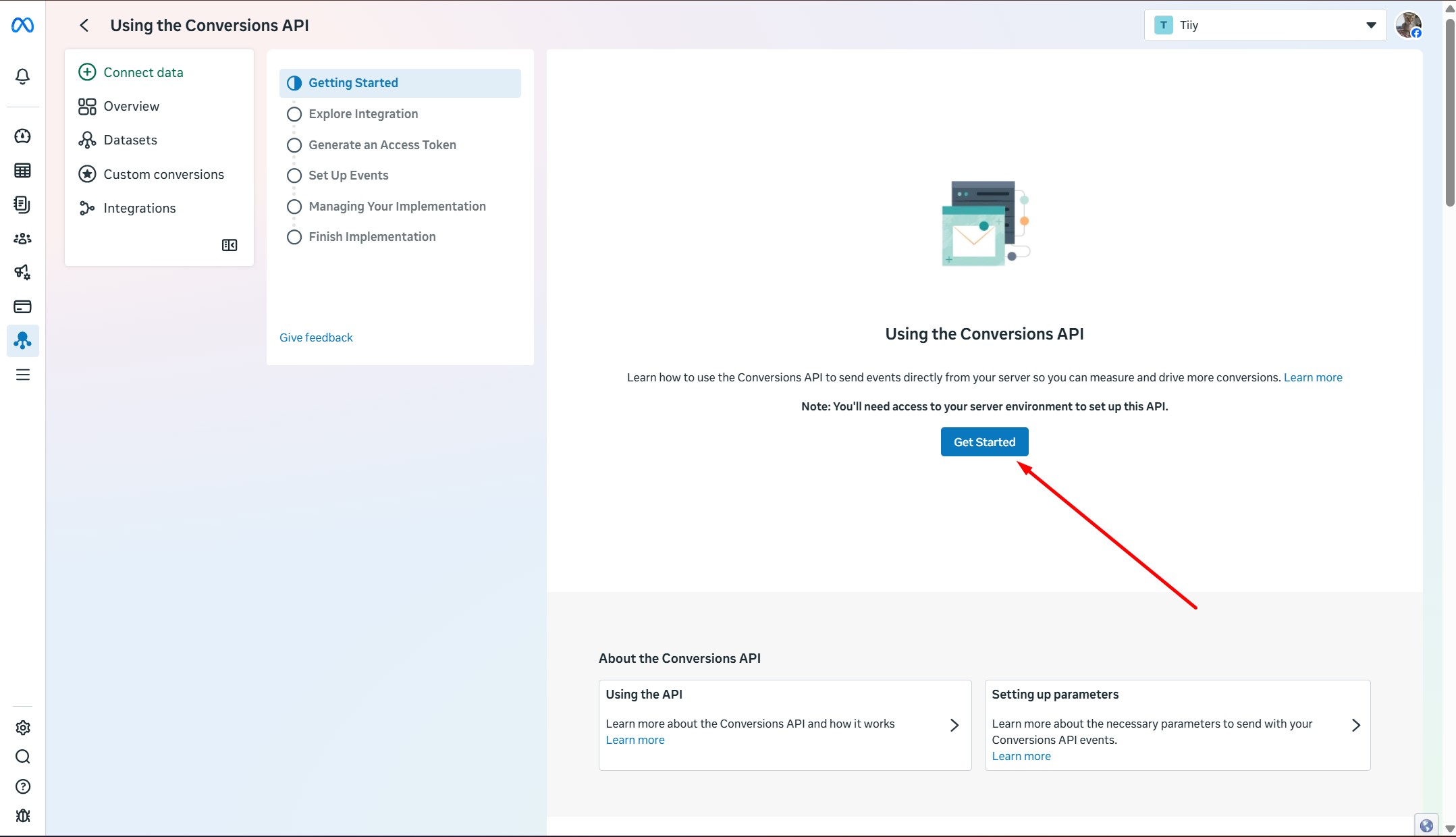
Get Started
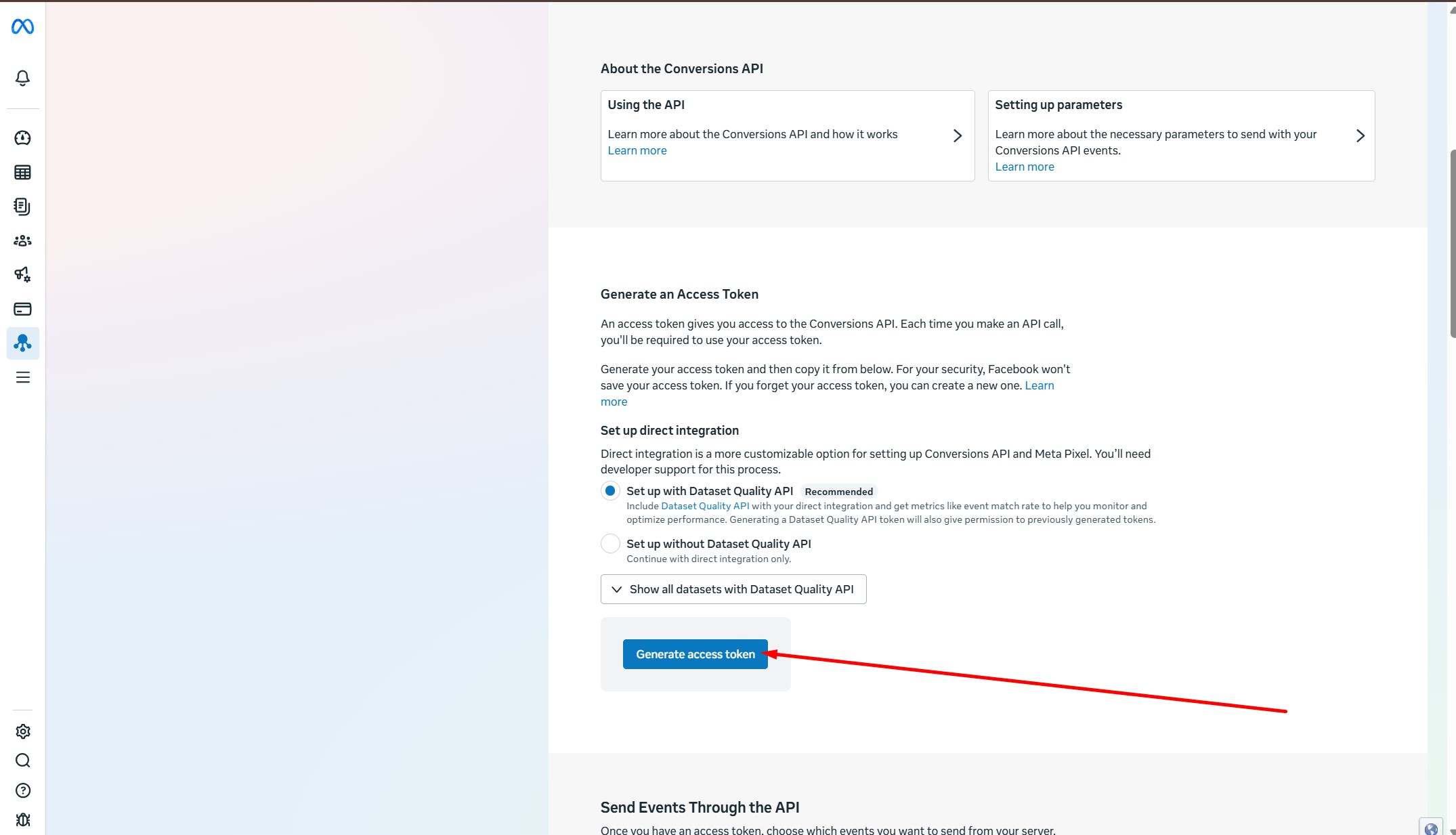
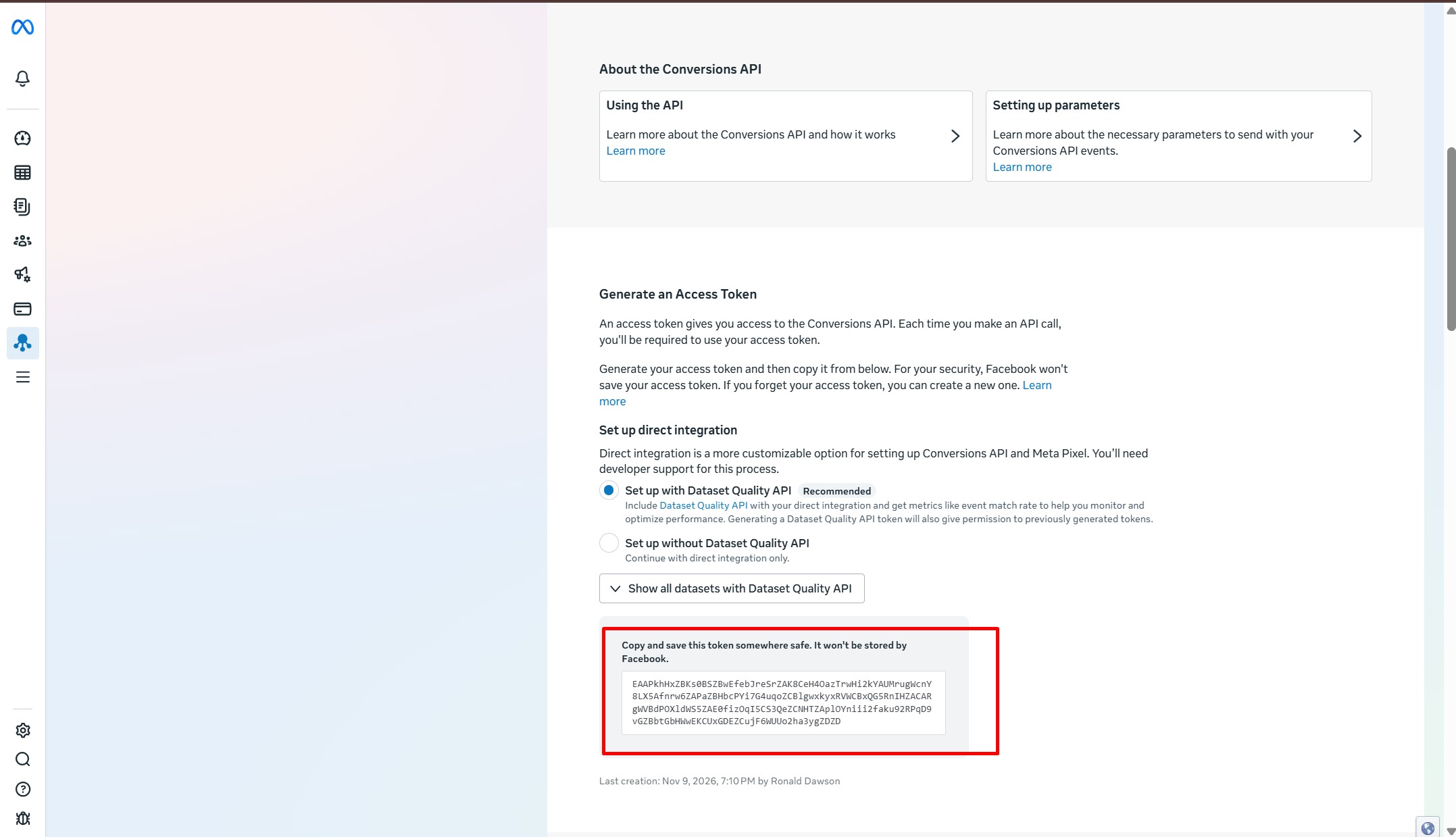
Generating a Pixel Token
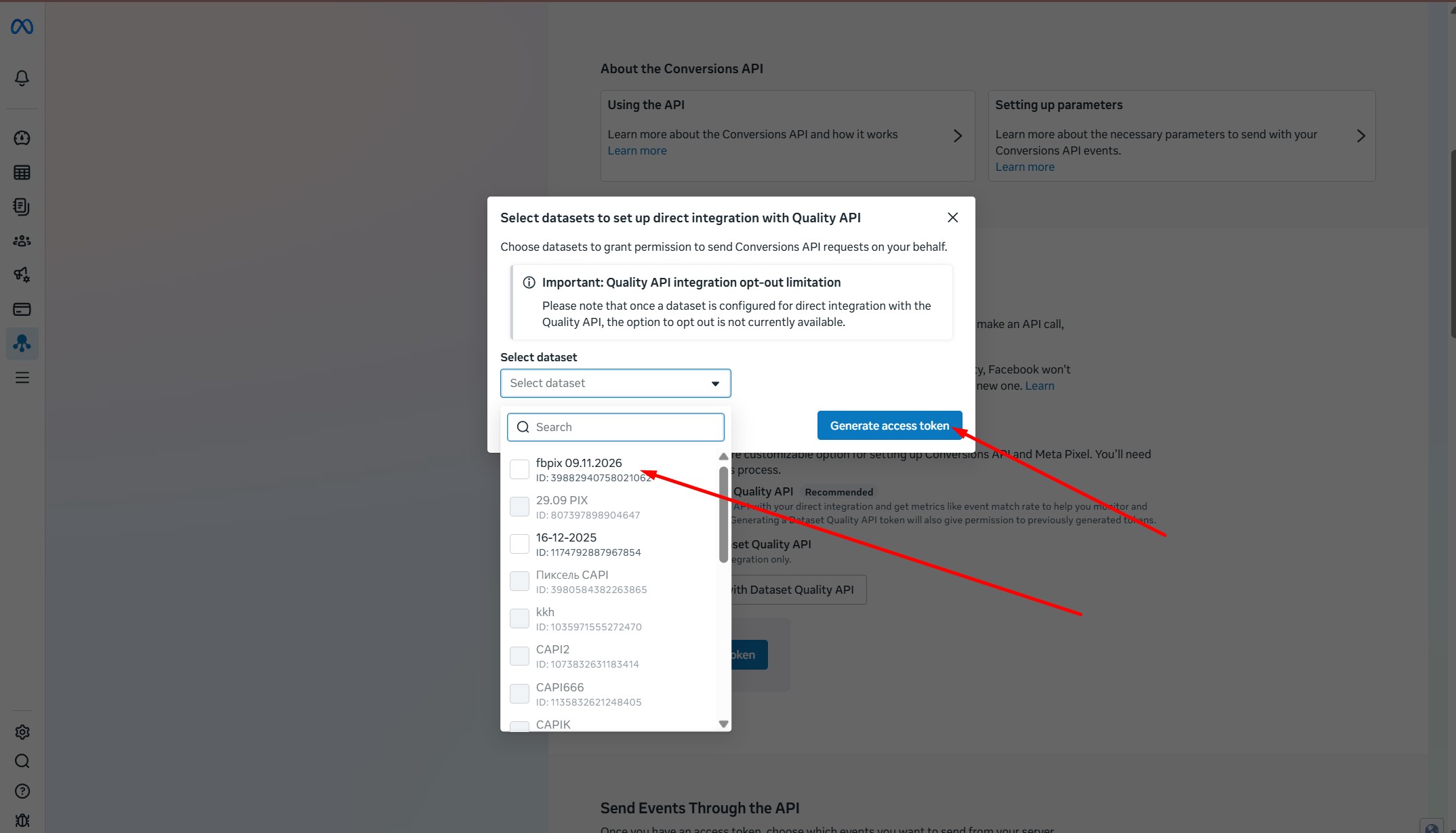
Select our new pixel and click Generate acces token
Done! We received a Pixel Token. It should be like this
EAAPkhHxZBKs0BSZBwEfebJreSrZAK8CeH4OazTrwHi2kYAUMrugWcnY8LX5Afnrw6ZAPaZBHbcPYi7G4uqoZCBlgwxkyxRVWCBxQG5 RnIHZACARgWVBdPOXldWS5ZAE0fizOqI5CS3QeZCNHTZAplOYniii2faku92RPqD9vGZBbtGbHWwEKCUxGDEZCujF6WUUo2ha3ygZDZD
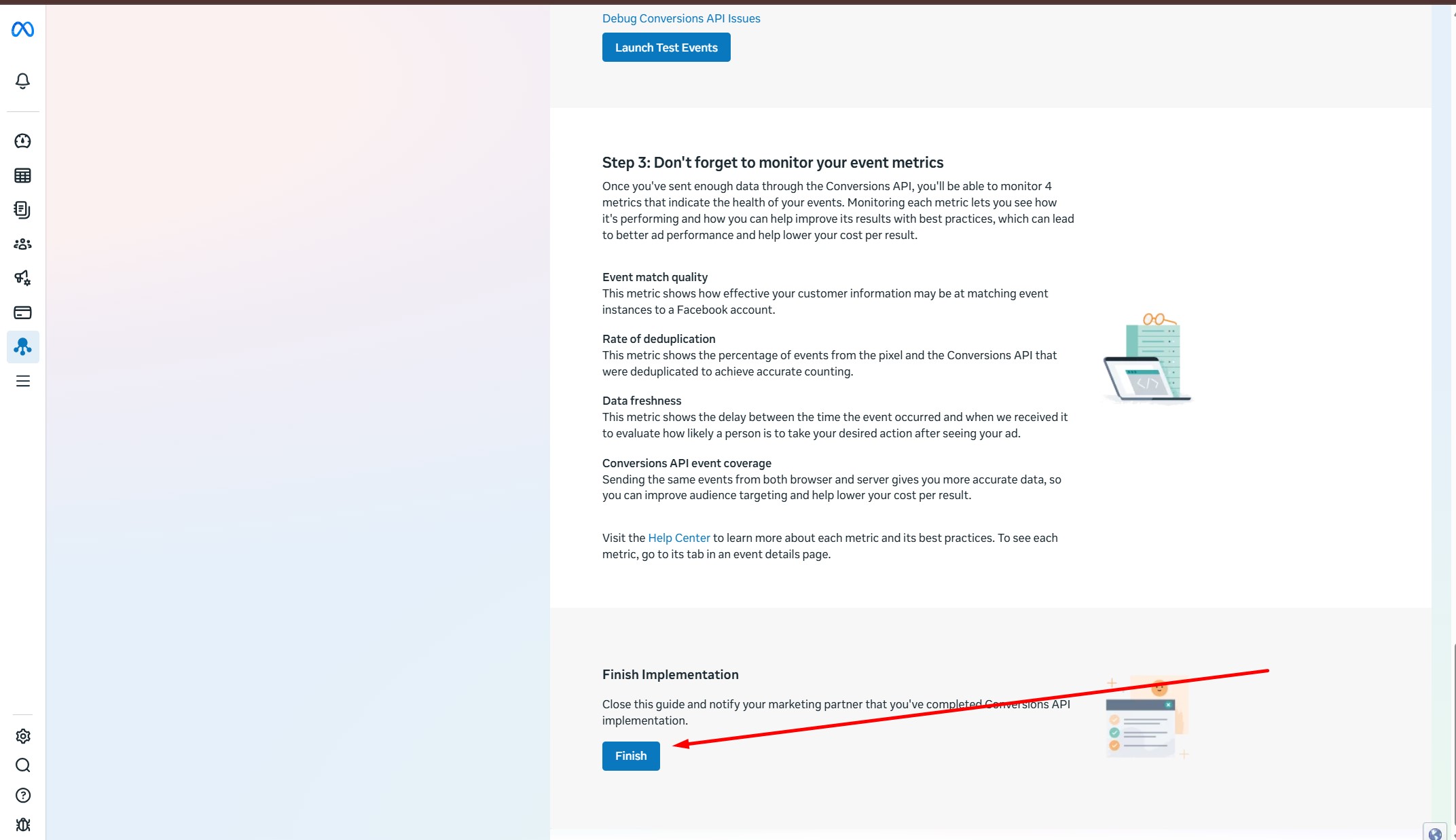
Go down and click Finish
Copy the pixel number from here
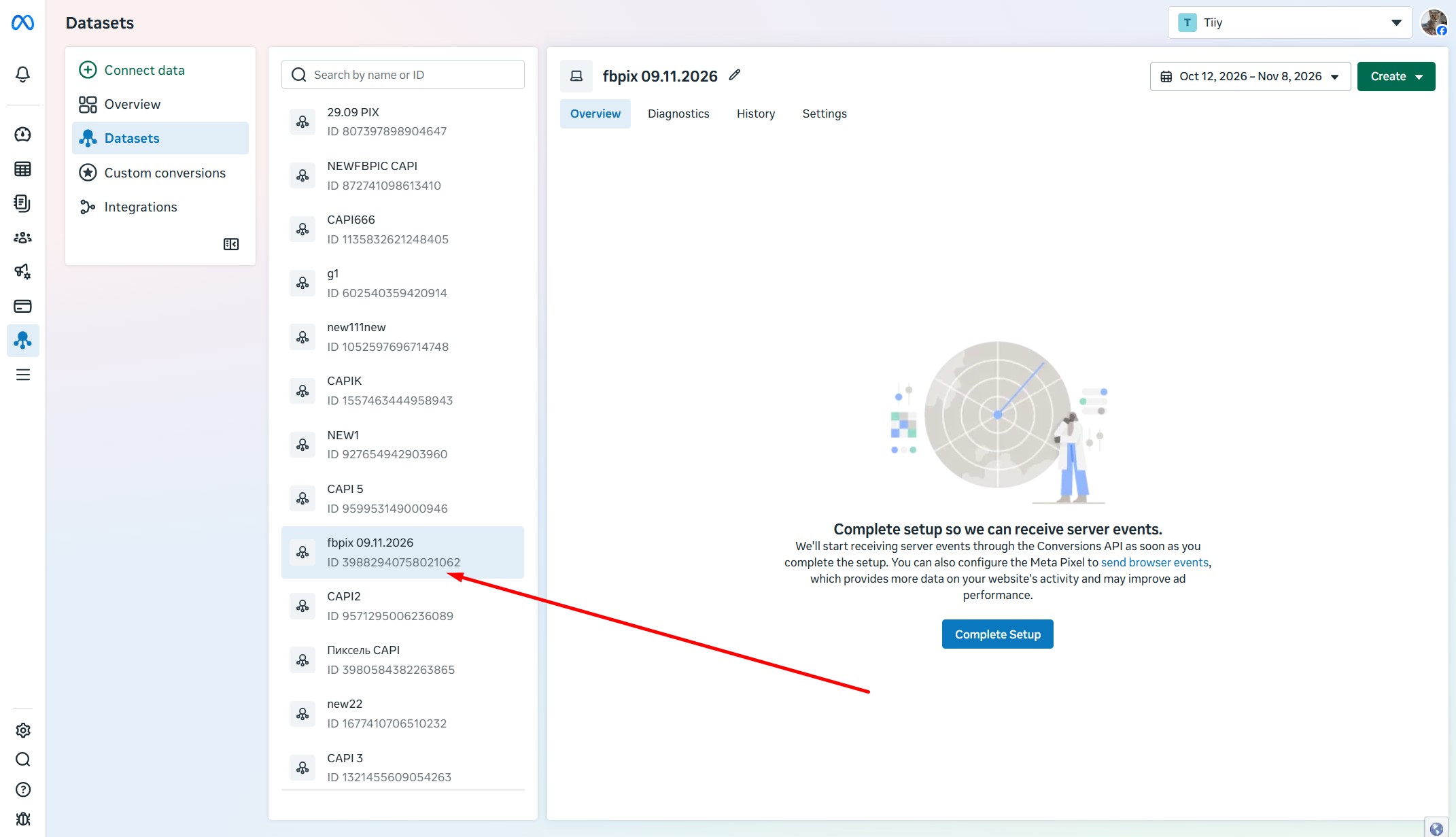
We have a CAPI Pixel that looks like this:
Number 39882940758021062
Token EAAPkhHxZBKs0BSZBwEfebJreSrZAK8CeH4OazTrwHi2kYAUMrugWcnY8LX5Afnrw6ZAPaZBHbcPYi7G4uqoZCBlgwxkyxRVWCBxQG5 RnIHZACARgWVBdPOXldWS5ZAE0fizOqI5CS3QeZCNHTZAplOYniii2faku92RPqD9vGZBbtGbHWwEKCUxGDEZCujF6WUUo2ha3ygZDZD