
Write to me - @webloy
## Step 1. Create a Telegram bot and take a token
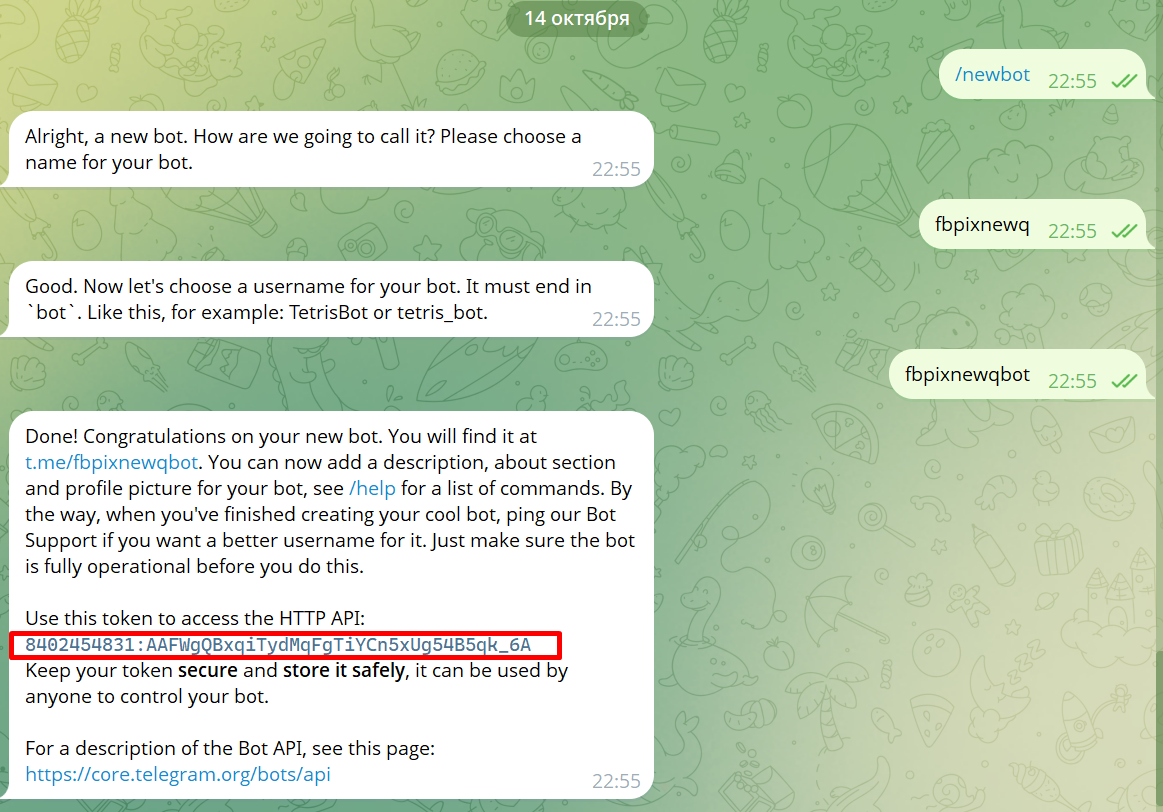
Open @BotFather → /newbot.
Give a name and username (required for ...bot).
Copy a long string like
7404061111:AAGGcnbXsTOKaon3aijprJda8HO4B9zPq68 ← this is a token.
You don't need to do anything else - just save the token.
Step 3. Get the closed channel ID
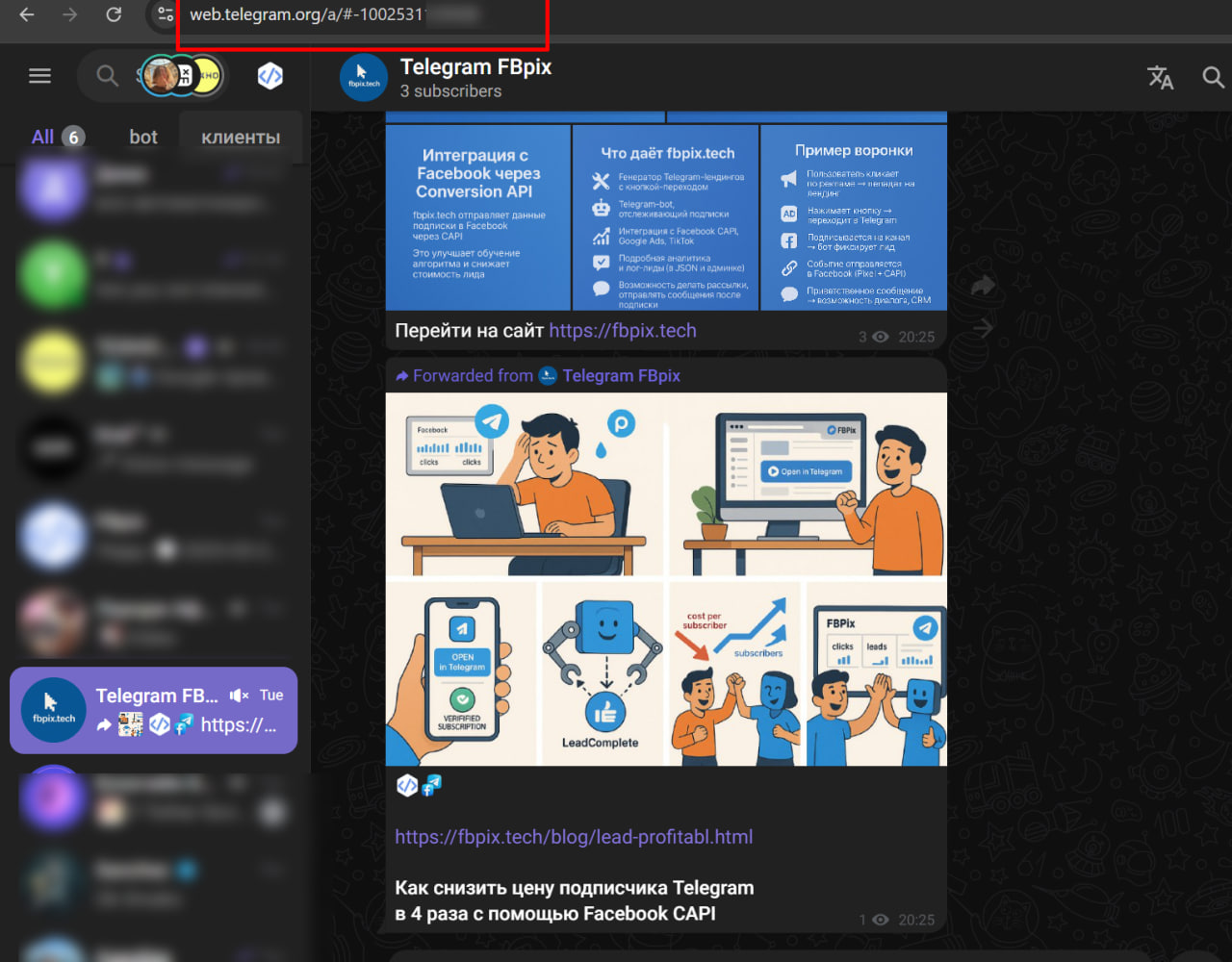
Log into the web client: https://web.telegram.org/a/
Open the desired channel; in the address bar there will be something like
https://web.telegram.org/a/#-1001234567890
Copy the entire number, including the -100 at the beginning - this is the Channel ID.
The identifier (ID) of your channel must begin with the prefix "-100". For example, if your ID is "23356", the correct format would be "-10023356".
Step 3-1. Get Telegram ID via @userinfobot
Go to @userinfobot, click /start, forward the message
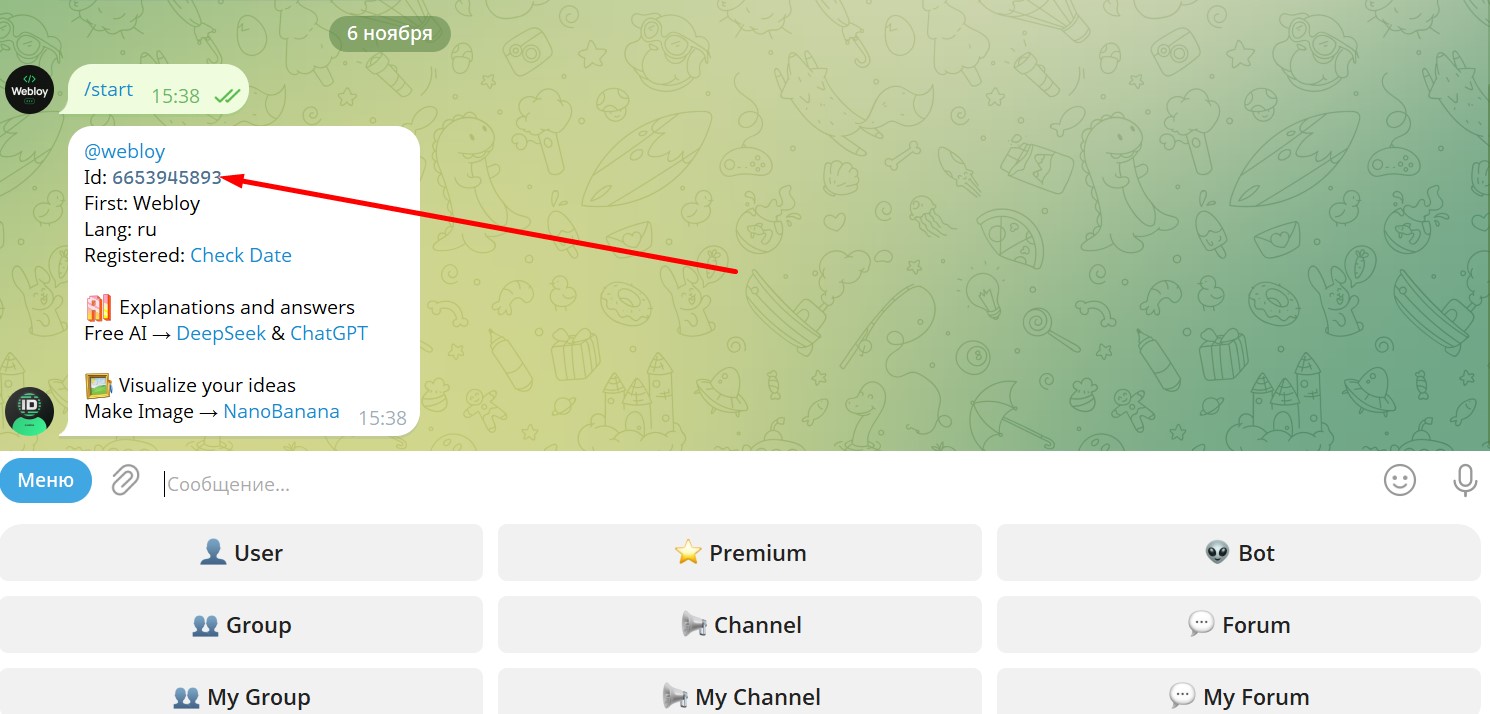
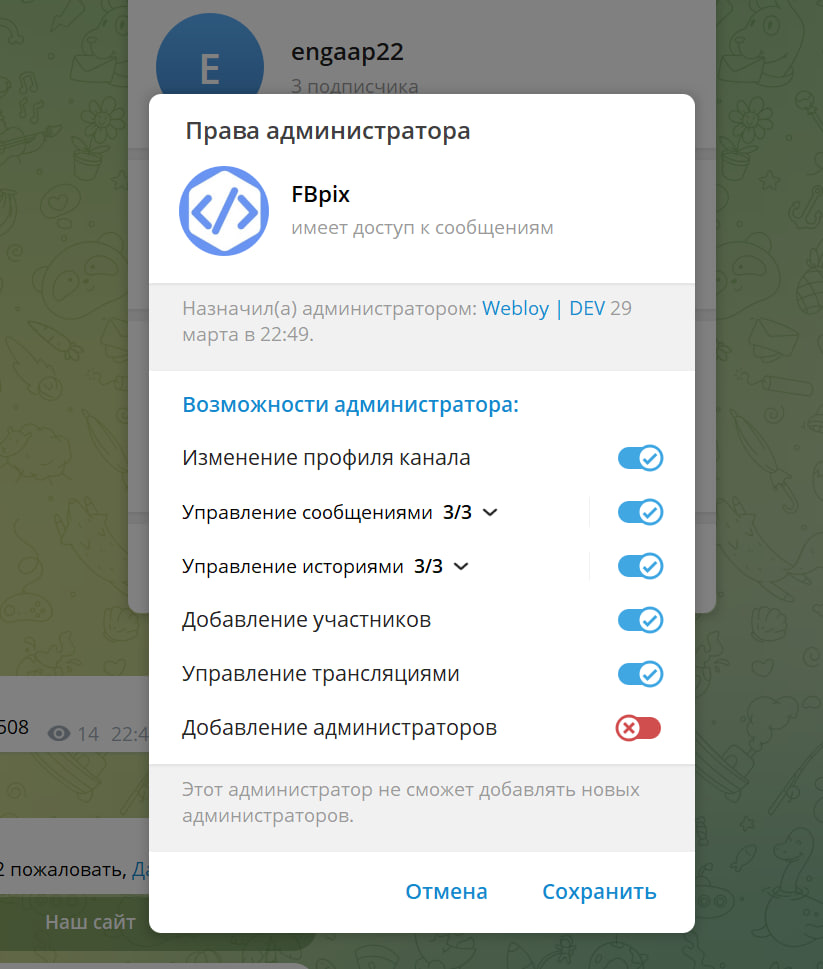
## Step 4. Add YOUR bot (the token of which you created) or Telegram account to the channel administrators.
Go to "Channel Management" → "Administrators" → "Add" → select your bot.
It is not necessary to give the “Send messages” rights; “Add participants” is enough.
It is prohibited to additionally connect another bot that accepts requests for subscription to the channel.
## Step 5. Send me three lines
1️⃣ Bot token
2️⃣ Your User ID
3️⃣ Channel ID (from -100…)
Write to me - https://@webloy
General Instructions for using the service to familiarize yourself with the functionality